Most roadmap problems start long before anyone opens a prioritisation framework. They start in the feedback inbox.
A support ticket asks for a CSV export. A sales call mentions a missing integration. A founder forwards a WhatsApp screenshot from a customer. A cancellation note complains about slow reports. A power user writes three different requests in one paragraph. By the time the product team looks at all of this, none of it can be compared, because every item was captured differently.
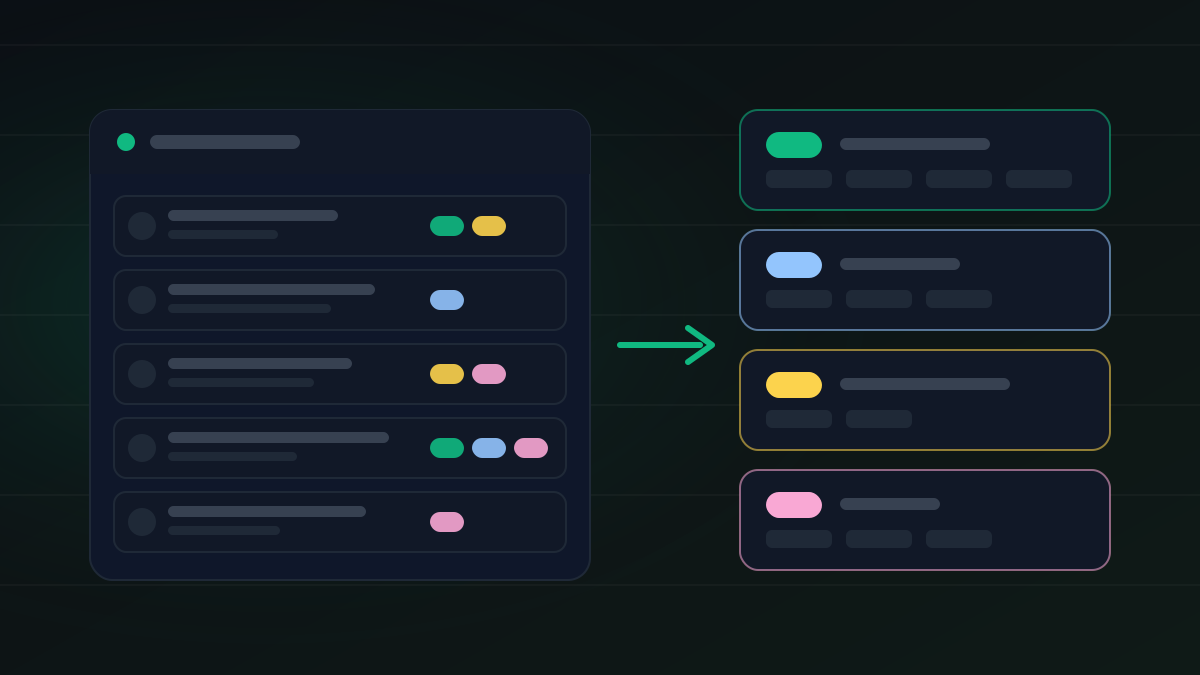
Tagging fixes that. A small, stable set of tags turns a pile of messages into feedback you can sort, count and discuss. This checklist covers the tags worth using, a simple intake sheet, and a weekly routine to keep the inbox clean.
Quick Answer
Tag every piece of product feedback with eight things before it goes anywhere near the roadmap: where it came from, who it represents, the underlying problem, the product area, the request type, the strength of the evidence, how urgent it is, and how ready it is for roadmap review. Merge duplicates while keeping each customer's context, review the tags once a week, and only then let requests compete for priority.
Why Tagging Comes Before Prioritisation
Prioritisation only works when the inputs are comparable. If support complaints, sales objections, bugs, ideas and churn reasons all land in one undifferentiated list, the team ends up ranking by whoever argues hardest or whichever request arrived last.
Atlassian makes a similar point in its guide to customer feedback: without a clear system, insights stay scattered across support tickets, sales calls, spreadsheets and chat threads, and organising feedback by theme, category and priority is what lets a team act on it consistently. Tags are the cheapest way to do that organising.
Good tags answer a handful of questions about every item:
The aim is not to slow feedback down. It is to stop messy intake from leaking into product decisions.
The Checklist
1. Source
Record where the feedback came from: support ticket, live chat, sales call, demo, onboarding call, cancellation note, survey, public roadmap request, or an internal team member.
Source changes how you read a request. A demo objection points to sales friction. A cancellation note points to retention risk. A support ticket often reveals confusion rather than a missing feature. A request on a public board shows broad interest but usually less context.
2. Customer Segment
Tag who the request represents: free user, trial user, paying customer, high-value account, agency, new user, churned customer, or internal team.
Do not let account value decide on its own, but keep it as context. One request from a large account and the same request from fifty small customers are different signals. Both can matter. They should not be blended without anyone noticing.
3. Problem Theme
Tag the problem, not just the proposed solution. "Add a CSV export button" is a solution. The problem underneath might be reporting, moving data into accounting software, or giving a finance team evidence for an audit.
Customers describe solutions because that is what they can picture. Your tag should capture the job they are trying to do. Ask what is blocked, what workaround they use today, and what happens if nothing changes.
4. Product Area
Use a fixed list of product areas, such as onboarding, dashboard, billing, permissions, integrations, reporting, notifications and mobile. Keep the names stable. If product areas get renamed every month, any trend you try to read from the tags becomes meaningless.
5. Request Type
Classify the type: bug, usability problem, feature request, enhancement, integration, performance, missing documentation, pricing or plan question, or security concern.
This keeps bugs from competing directly with speculative ideas. A bug usually belongs in engineering triage. A feature request goes through evidence review. A security concern may need an owner to look at it before anyone discusses it in public.
6. Evidence Quality
Not all feedback is equally strong. Note what the item actually contains: a quote only, a screenshot, workflow steps, the customer's plan, how often it happens, a workaround, revenue or churn risk, or links to other customers with the same problem.
A request with three customer quotes, a screenshot and a clear churn risk is stronger than a note that says "users want this". Our guide to the feature request management process shows where this evidence review sits between intake and a roadmap decision, and the feature prioritization matrix covers how to weigh requests once they are clean.
7. Urgency
Use a short urgency scale: blocking today, painful but workable, renewal or sales blocker, or nice to have.
Urgency is not importance. One urgent request may affect a single account. A non-urgent request may point at a major product direction. The tag should inform the review, not make the decision.
8. Roadmap Readiness
Finally, record where the item stands: raw intake, needs clarification, needs more evidence, roadmap candidate, or closed.
This is the tag that protects your roadmap. A clean inbox lets the team say, honestly, "this matters, but it is not ready to commit to yet".
Merge Duplicates Without Losing Context
The same request turns up again and again in different words. When you merge duplicates, keep each customer's quote, segment and source attached to the merged item, and count separate accounts rather than messages. Deleting a duplicate because the wording differs throws away signal you will want later.
Useful link tags here are duplicate, related, parent idea, already possible and already shipped. "Already possible" is worth tracking on its own: a cluster of requests for something your product already does is a documentation or onboarding problem, not a roadmap item.
A Simple Intake Sheet
You do not need special software to start. A shared spreadsheet or your help desk's tag field works if everyone uses the same columns:
Start with this list and resist adding columns until the team has used it for a month. Most teams find a few columns are never filled in, and those can go.
The Weekly Tag Review
Once a week, spend thirty minutes on intake hygiene, separate from roadmap planning. Look at:
Roadmap decisions come after this, not during it. Mixing the two is how a hygiene meeting turns into a debate about one customer.
Close the Loop With Customers
Tags should also make replies easier. A request tagged "already possible" gets a how-to link. One tagged "needs more detail" gets a specific question. One tagged "not planned" gets a clear, polite answer.
Intercom's advice on responding to feature requests is a useful reminder here: an honest "we are not planning this" usually lands better than a vague promise. Our guides on how to say no to feature requests and closing the feedback loop cover the wording.
Where Roadmapr Fits
Tagging happens in your inbox and intake sheet. Roadmapr picks up the requests that are ready to be public.
On a Roadmapr board, customers post a request with a title, a description and an optional category. Signed-in users vote once per request, so counts are not inflated by repeat clicks. You move each card through Under review, Planned, In progress and Completed, and publish a changelog entry when it ships, so the people who asked can see the result. The dashboard shows which requests collect the most votes and how demand moves over time.
That makes the public board a good partner for the tagging work above. Your internal tags explain why something matters. The board shows customers what you decided and where it stands. You can see how it works on the feature voting page, and if you want a starting format for requests, use our feature request template.
Final Checklist
Before a piece of feedback moves into roadmap review, confirm that:
FAQ
What is product feedback tagging?
It is the habit of labelling each piece of customer feedback with a consistent set of tags, such as source, segment, problem theme, product area, request type, evidence, urgency and roadmap readiness, so feedback from different channels can be compared.
How many tags should a SaaS team use?
Fewer than you think. Eight tag groups with short, fixed lists are enough for most early-stage teams. Long free-form tag lists drift quickly and stop being useful for reporting.
Should every feature request go straight to the roadmap?
No. Many requests need clarification, more evidence or duplicate grouping first. A roadmap readiness tag keeps half-understood notes off the public board.
Who should own feedback tagging?
Whoever handles the inbox should tag at intake, usually support or customer success, with a product owner reviewing the tags weekly. Shared ownership works only if the tag lists are fixed and written down.
Sources
Ready to build your public roadmap?
Roadmapr gives you a public roadmap, feature voting, and a changelog in one place. Start on the Free plan and upgrade when your team grows.
Get Started Free